Call scripts
Sidebar → Scripts (also toggled via Settings → Integrations → Scripts)
Call scripts are reusable bits of text that agents see while a call is in progress. Use them for opening lines, objection handlers, product pitches, and closing scripts.
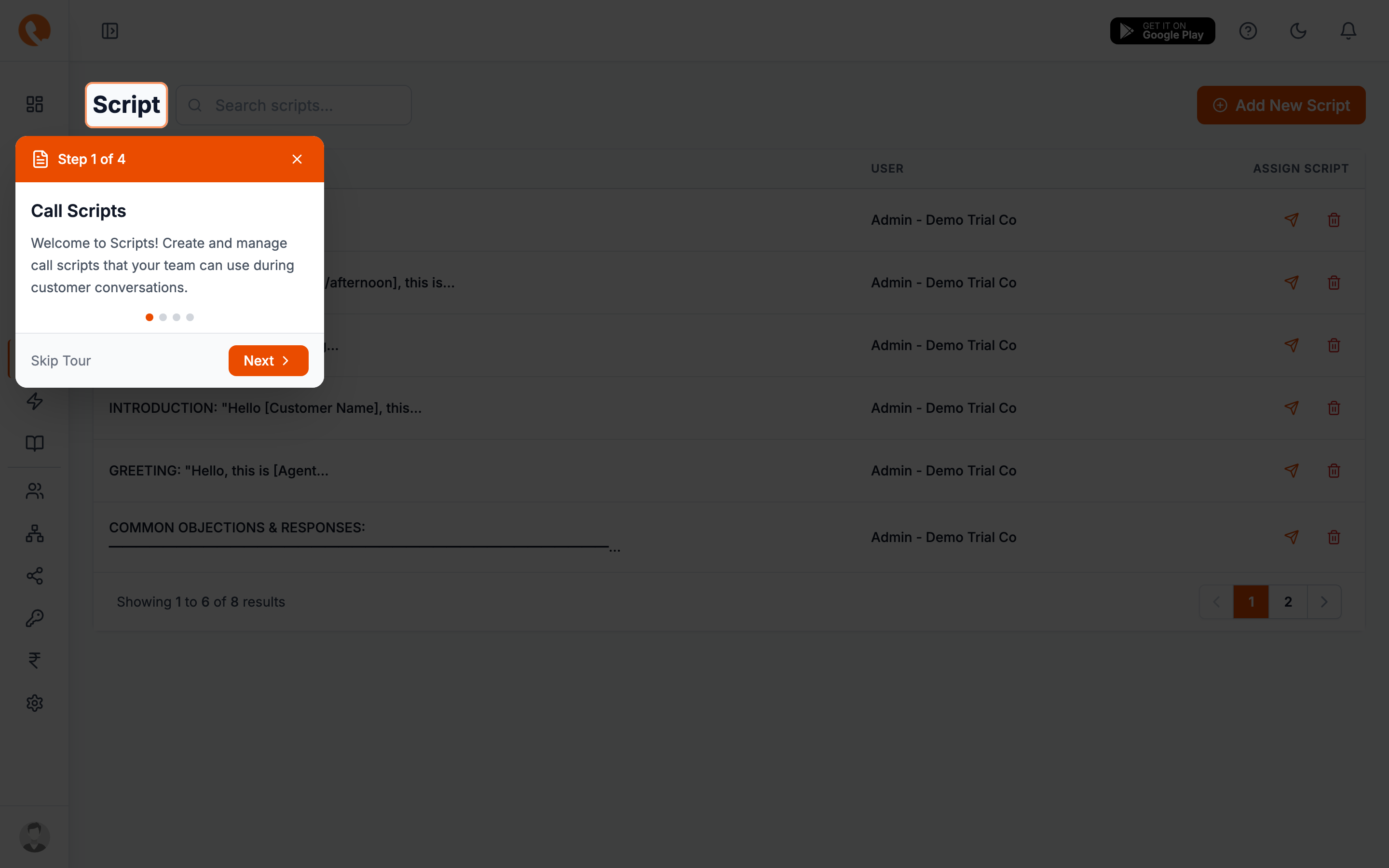
Anatomy of a script
Each script has two fields:
- Name — what the agent sees in the picker. Keep it short: “Opening”, “Pricing objection”, “Wrap up — interested”.
- Content — the body of the script. Free-text. Supports basic line breaks.
Where scripts show up
Scripts appear in the call screen and in lead detail pages whenever the Scripts integration is enabled. The agent picks one from a dropdown and the content appears alongside the lead’s details.
Tips for writing scripts
- One topic per script. “Opening + pricing + closing” in one script is hard to scan during a live call.
- Use placeholders sparingly. Calliyo doesn’t auto-substitute lead details in script text — agents read and adapt.
- Keep them under ~300 words. Anything longer and an agent will lose their place on the screen.
Disabling scripts
If your team doesn’t use scripts, you can hide the menu item by toggling Settings → Integrations → Scripts off. Existing scripts are preserved.