Call history
Sidebar → Call history
Every call your team has ever logged, in one searchable table. Use it when an agent says “I called them last week and…” and you want to verify, or when a customer disputes that they were ever contacted.
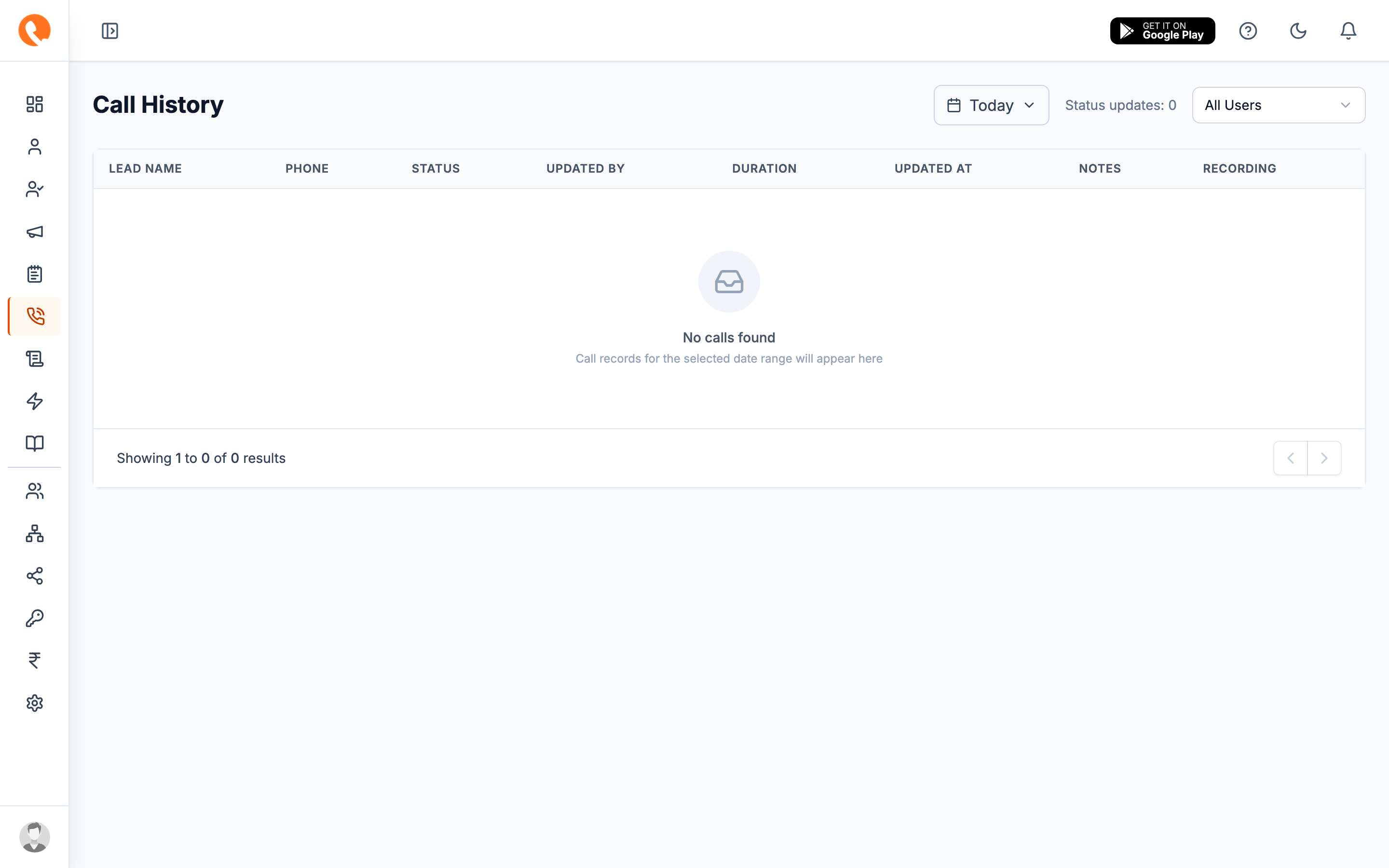
What you’ll see
Each row is one call:
| Column | What it shows |
|---|---|
| Lead | The lead’s name and phone, linked to the lead detail. |
| Agent | Who logged the call. |
| Status | One of the seven call statuses. |
| Duration | Length of the call. 0:00 for unanswered / busy. |
| Started at | Timestamp in your company timezone. |
| Recording | Play / download (if Call Recording is enabled). |
| Notes | Hover or expand for the note attached to this call. |
Filtering
Filter chips at the top of the page:
- Date range — defaults to “this month”.
- Agent — single agent or “All”.
- Status — one or more statuses.
- Branch / Department — when you only care about a slice of the team.
- Tag — filter by lead tags (useful for source attribution).
Exporting
Click Export CSV to download the current filtered view. Useful for:
- Sharing with managers / ops teams.
- Reconciling against a telephony provider’s bill.
- Backups before retention policies clear old data.
Call recordings are stored as URLs on S3, not in the export. If you need recordings in bulk, contact support — there’s a separate archive export.
Going deeper
For the per-lead call timeline, open the lead from any row. The detail page shows calls, follow-ups, and notes all interleaved in chronological order — usually the most useful view.