Branches & departments
Branches and departments are organisational labels you attach to users. They don’t directly grant or remove permissions — that’s what roles do — but they power filters and reports.
Branches
Sidebar → Branches
A branch is a physical or logical office. Most companies map one branch per city or one per warehouse.
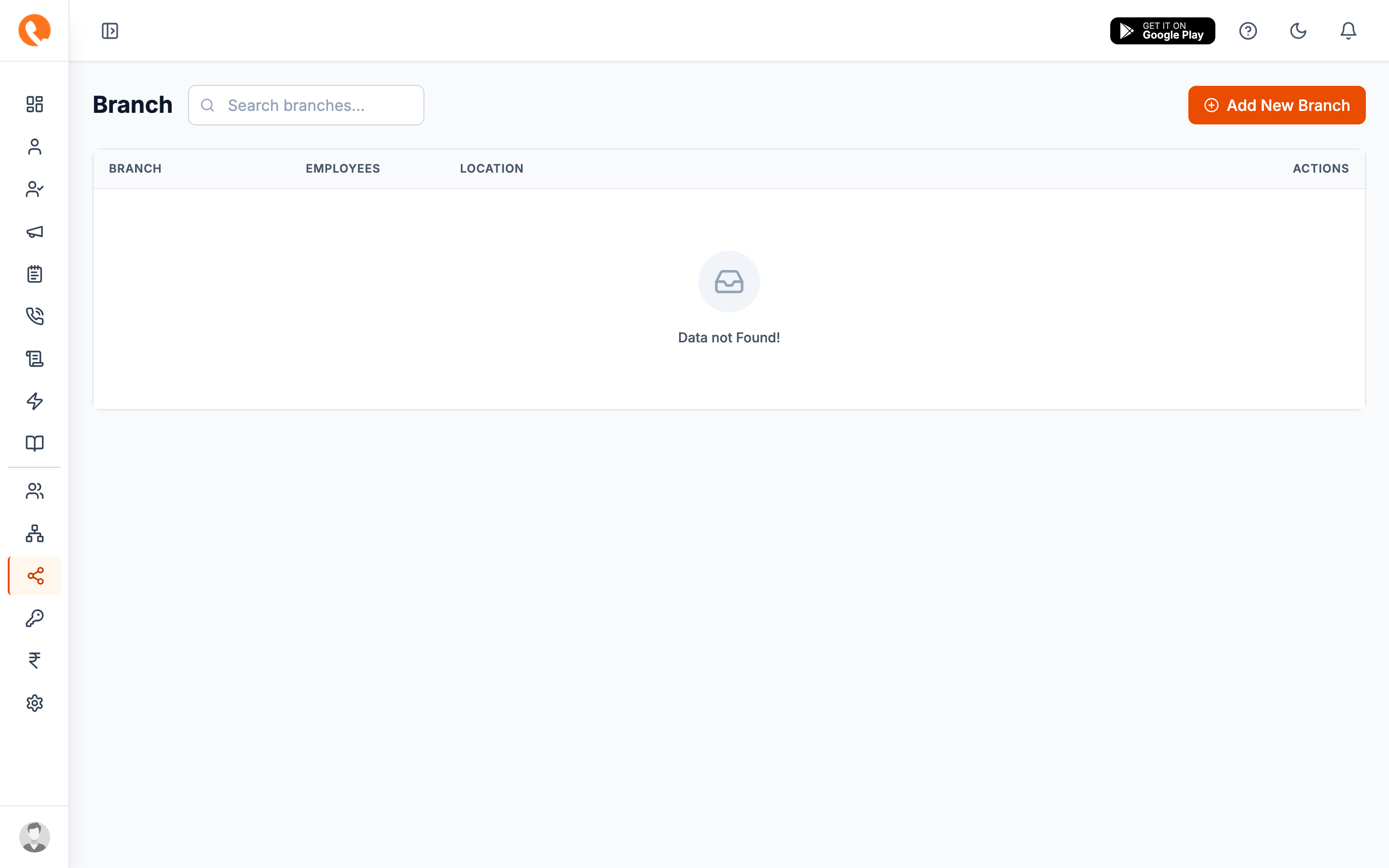
Each branch has a name and (optionally) a location. Add new branches with the Add New Branch button.
Departments
Sidebar → Departments
A department is a team within your company — Sales, Inside Sales, Support, Telecaller, etc.
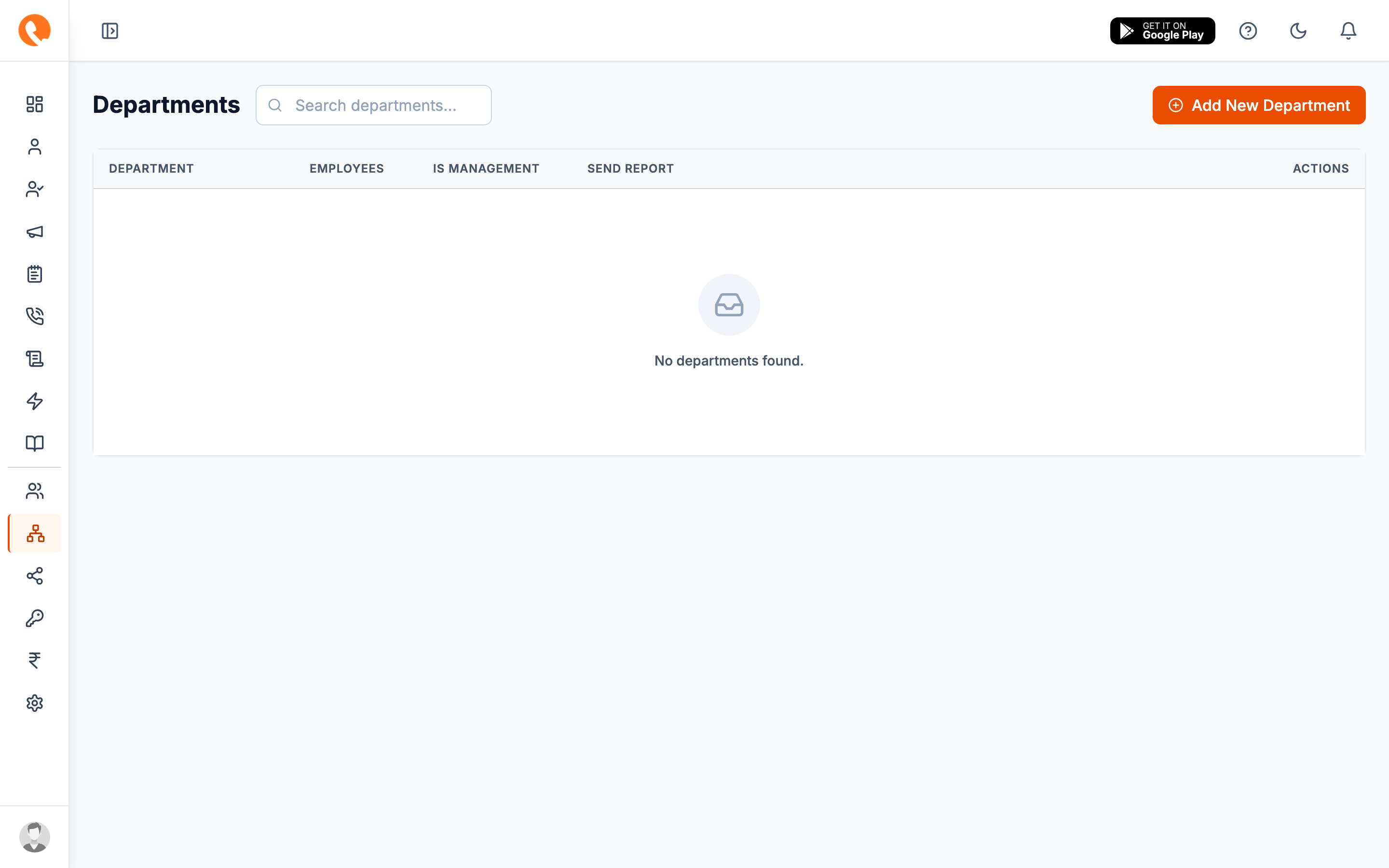
Where these show up
Once configured, both fields are required (or optional, depending on your role permissions) when adding a user. They then power:
- The Branch and Department filters on the Leads page
- The same filters on Reports
- Grouped views in the Dashboard when filtered by team