API tokens
Settings → API (?tab=api)
API tokens let external systems — Zoho, HubSpot, your custom dashboards, in-house automations — talk to Calliyo. Each token has its own scopes and webhook subscriptions, so you can give a third party narrow, revocable access.
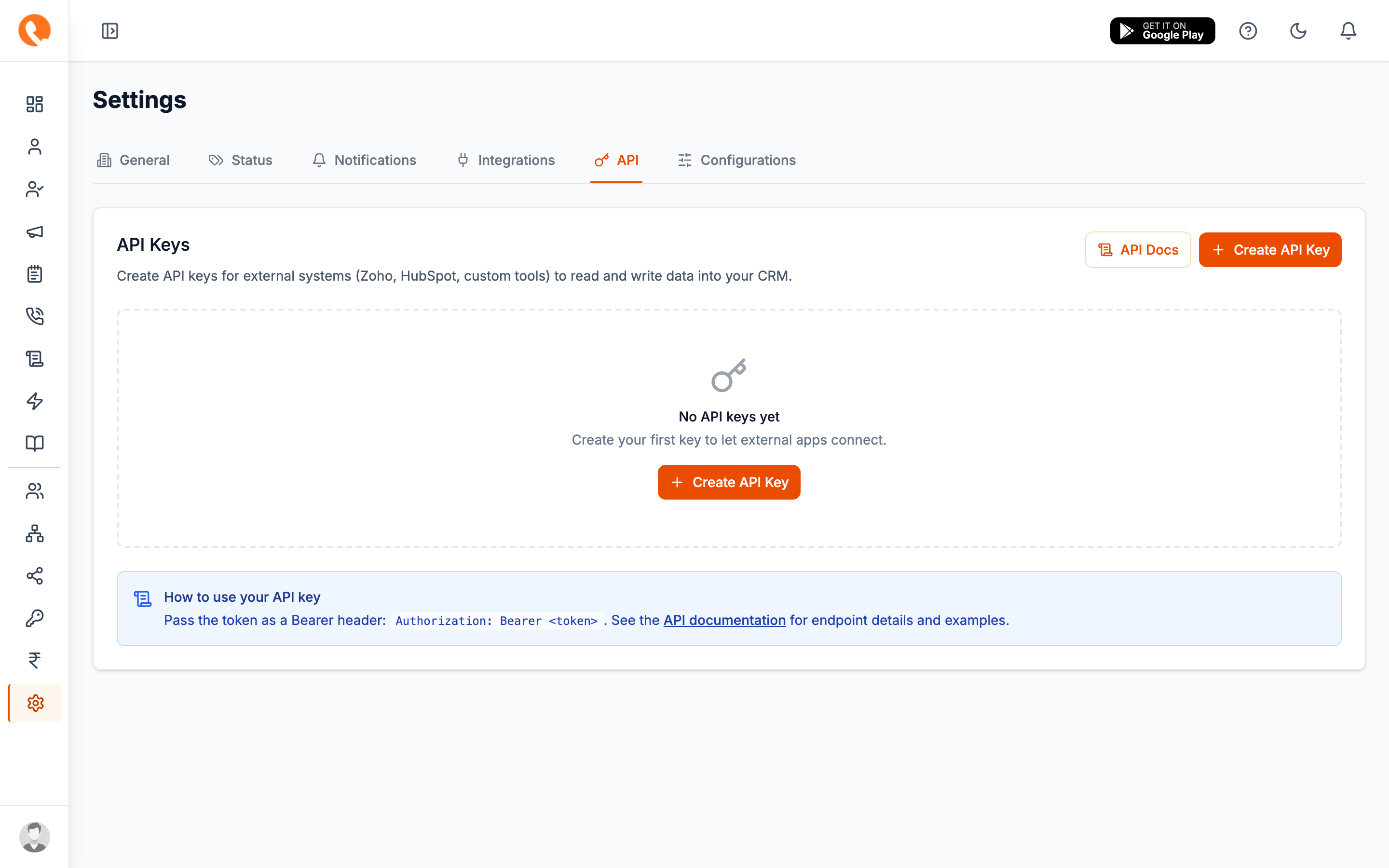
The public API endpoints (/public/*) are being rolled out in phases. The
key-management UI documented here is live, but some endpoints may not yet
be available on your account. Check the API Docs link in the tab for
the current endpoint coverage.
Creating a token
- Click Create API Key.
- Give the key a Name — usually the system that will use it (“Zoho production”, “Internal Looker”, “Marketing form”).
- Save. The token appears once in a green modal.
- Copy it now. Once you close that modal, Calliyo only stores a hash — the raw token can’t be retrieved. You can regenerate, but that breaks anything using the old token.
Configuring scopes
After creation, click Configure on a key to open the configuration drawer with two sub-tabs:
Scopes
Tick which resources the key can read or write. Available scopes:
| Resource | Read | Write |
|---|---|---|
| Leads | ✓ | ✓ |
| Customers | ✓ | — |
| Users / Agents | ✓ | — |
| Lead statuses | ✓ | — |
| Tags | ✓ | ✓ |
| Follow-ups | ✓ | ✓ |
| Notes | ✓ | ✓ |
| Call history | ✓ | — |
| Campaigns | ✓ | — |
Tick only what you actually need. A misconfigured webhook in a third-party tool can’t damage what its key doesn’t have write access to.
Webhooks
Subscribe the key to outbound webhooks. When the chosen event fires, Calliyo POSTs to your URL with a JSON payload.
| Event | Fires when |
|---|---|
lead.created | Any new lead enters Calliyo. |
lead.updated | Any field on a lead changes. |
lead.status_changed | The lead moved to a different status. |
lead.assigned | A lead’s owner changed. |
lead.converted | A lead became a customer. |
call.completed | A call ended (any status). |
followup.created | A new follow-up was scheduled. |
followup.completed | A follow-up was resolved. |
note.added | A note was added to a lead. |
You provide:
- URL — your endpoint
- Secret — optional HMAC secret; Calliyo includes it as
X-Calliyo-Signatureso you can verify the payload’s authenticity
Using a token
Pass the token as a Bearer header on every request:
Authorization: Bearer cly_live_abc123…Standard endpoints under /public/*. See the in-app API Docs link for
the full reference.
Rotating or revoking
- Regenerate Token — gives you a new token string for the same key. The old one stops working immediately. Useful if a token leaks.
- Activate / Deactivate — toggle without rotating. Useful for short outages or pausing a third party temporarily.
- Delete — permanent. The key and all its scope/webhook config are gone.