Call history
Tabs bar → Call History
Every call you’ve placed, scrollable and filterable. Use this when:
- A lead says “I haven’t heard from you” and you want to prove otherwise.
- You’re trying to find the recording from yesterday’s tricky call.
- Your shift just ended and you want to count your work.
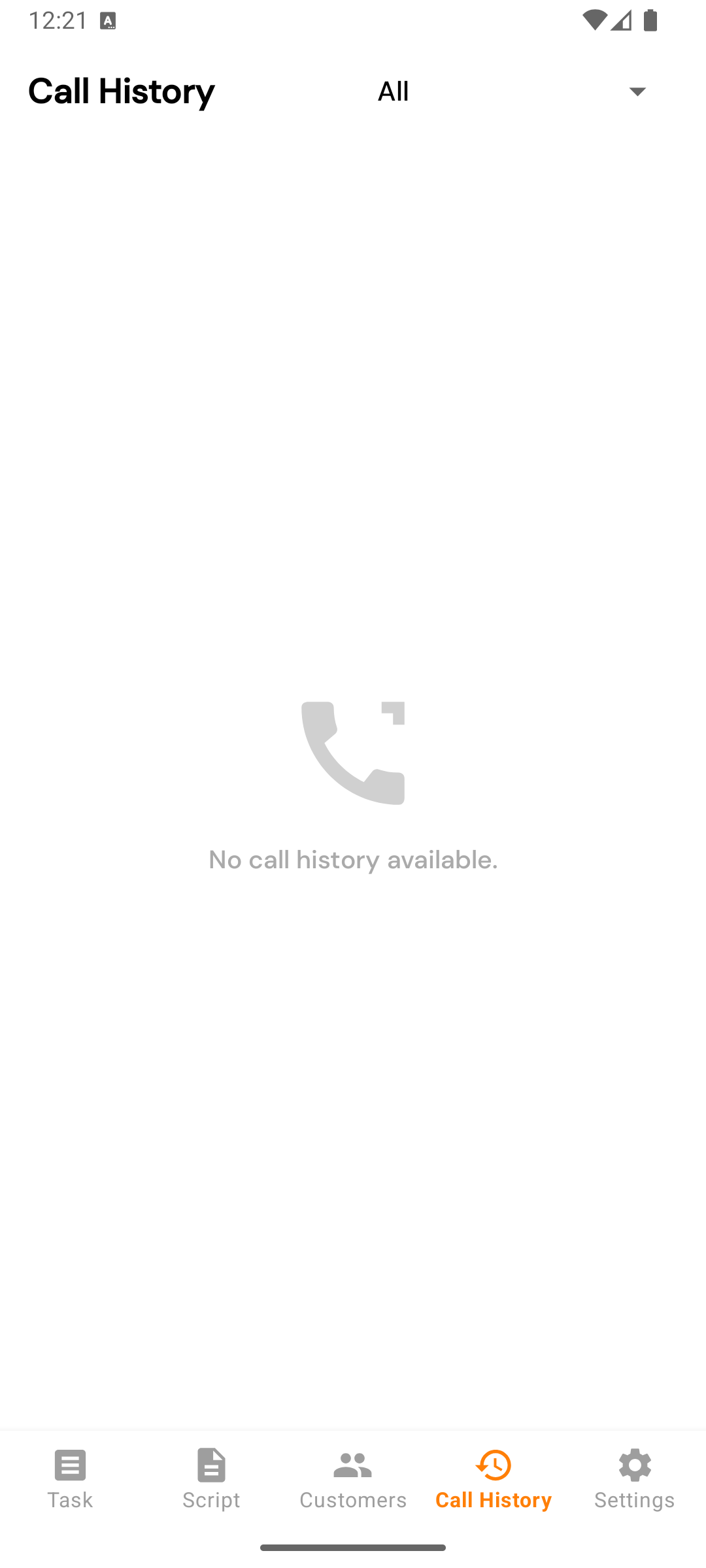
What each row shows
- Lead name (or the phone number, if the lead doesn’t have a name).
- Phone number.
- Status — the call status you logged (Called, Busy, Follow-up, etc.).
- Duration — human readable (“2 min 14 s” / “47 s”).
- When — “3 hours ago”, “yesterday at 4 PM”, etc.
- Recording icon — present when an audio recording was uploaded.
- Call button — re-dial the same number.
Filter
The dropdown at the top filters by status:
- All (default)
- Or any individual status from your company’s pipeline.
Useful patterns:
- Filter by Busy to find leads to retry later in the day.
- Filter by Interested to plan tomorrow’s nurturing list.
- Filter by Wrong Number when prepping a list-quality report for your admin.
Pulling to refresh
Swipe down to refresh. Calls placed elsewhere (web app, another agent on the same lead) show up after a refresh.
Tapping a row
Opens that lead’s full detail view — same screen as the Follow-up detail screen. From there you see the full call timeline, can play the recording (if any), and can call again.