4. Schedule follow-ups
A follow-up is a reminder to contact the lead again at a specific time. The vast majority of conversions happen on the second, third, or fourth contact — so follow-ups are where pipelines are won or lost.
What a follow-up is
In Calliyo, a follow-up is:
- Attached to one lead.
- Scheduled for a specific date and time.
- Owned by the assigned agent.
- Resolved by the agent (after the next call) or expired (if missed).
When a follow-up is scheduled, the lead automatically moves to the Followups status (a protected pipeline stage — see Lead statuses).
Scheduling a follow-up
After a call, click “Schedule follow-up”
From the lead’s call panel, after logging the call, click Schedule follow-up.
Pick a date and time
Defaults to the next working day at 10:00 AM in your company timezone. Pick any future date/time.
Add a note (highly recommended)
What’s the next step? What did you promise the lead? “Send pricing PDF Tuesday”, “Call after demo with manager”, etc. Future you will thank you.
Save
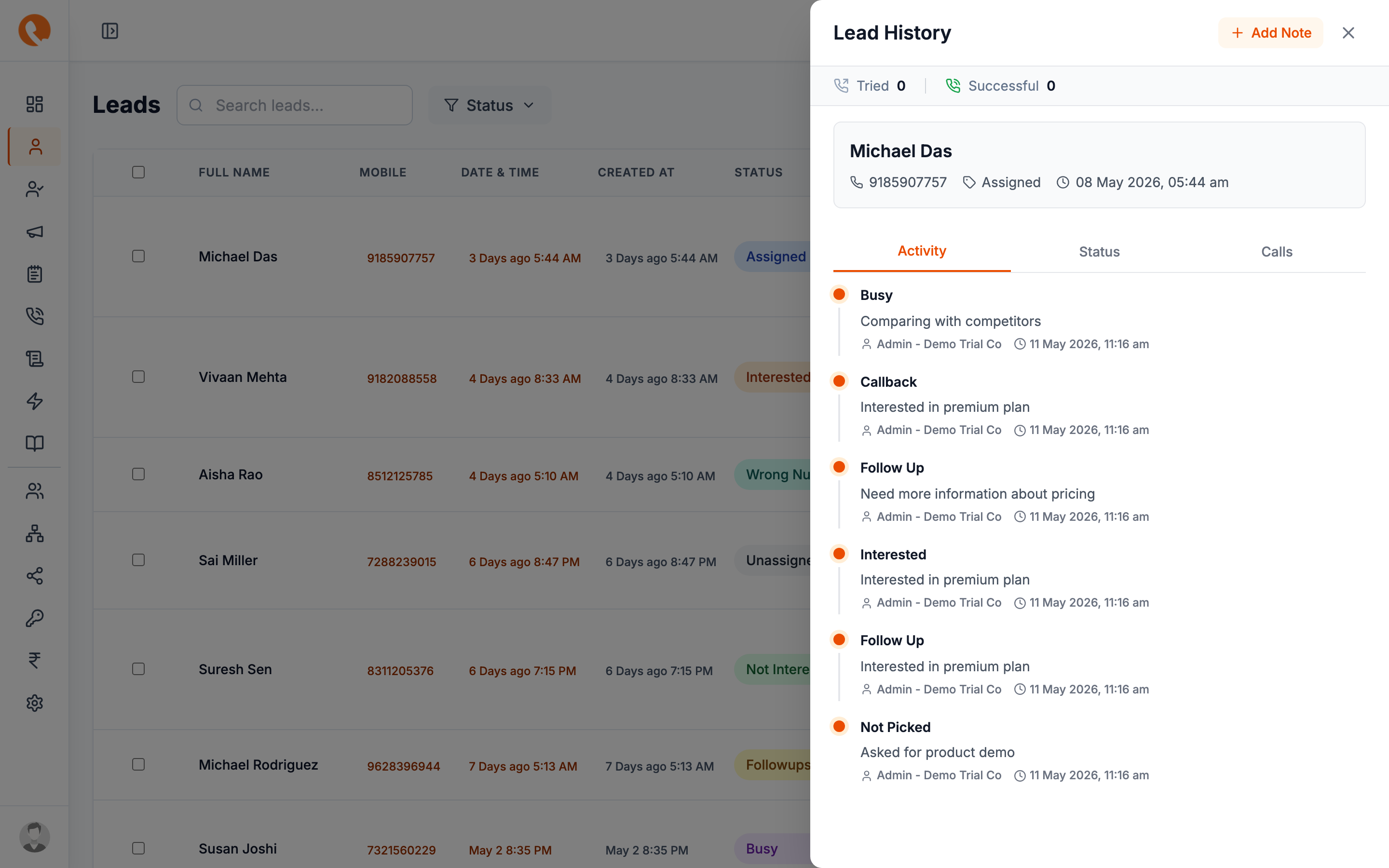
The follow-up appears on:
- The lead’s timeline.
- The agent’s Follow-up history page (open ones at the top).
- The Dashboard “Due today” counter when the date arrives.
Working through follow-ups
Each morning, the agent’s dashboard shows how many follow-ups are due today. Click the counter to filter Tasks to just those.
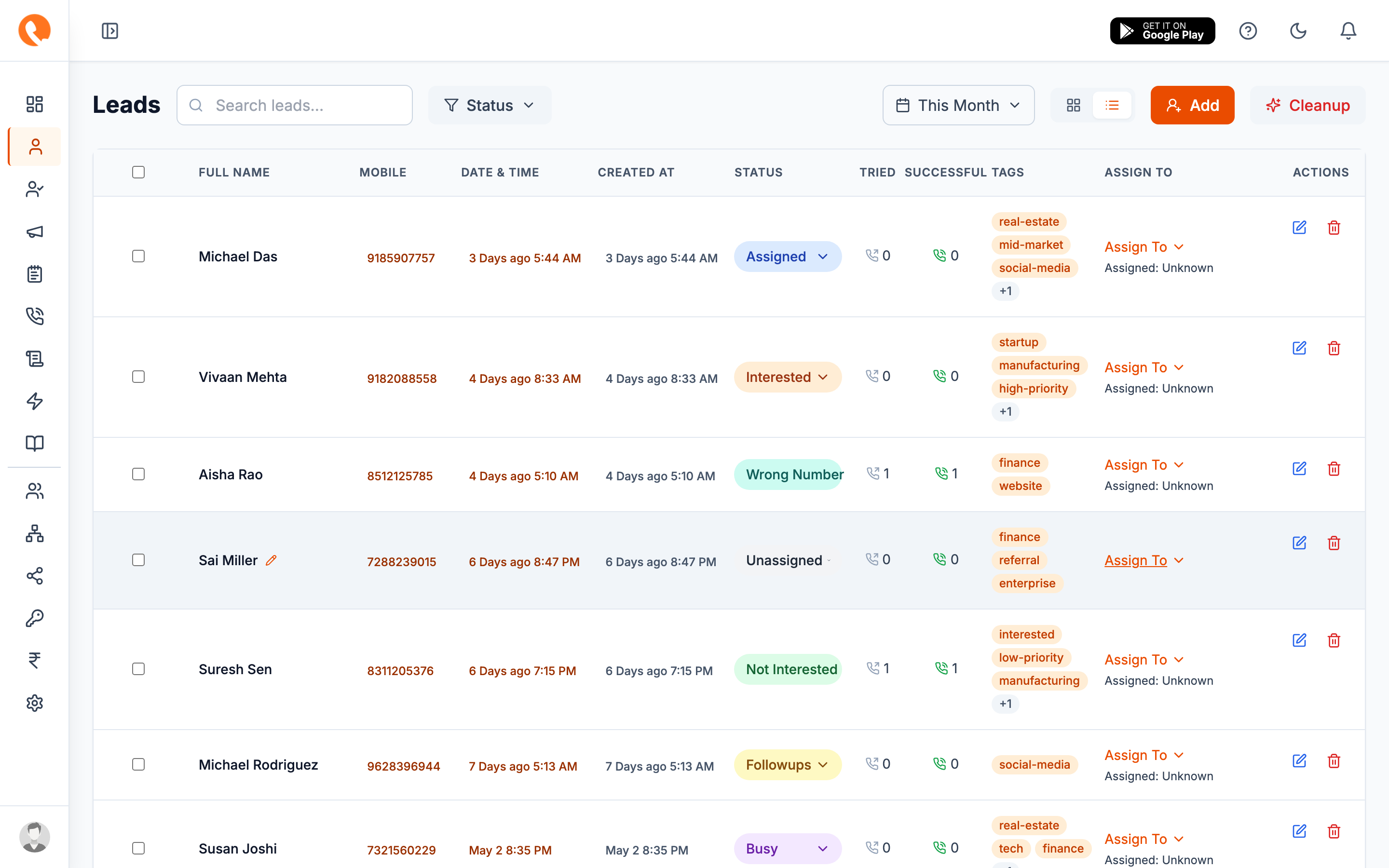
When the follow-up call happens, the agent:
- Opens the lead from the follow-up list.
- Makes the call (see Call the lead).
- Logs the call outcome — Calliyo automatically marks the follow-up resolved when a new call is logged on the same day.
- Either schedules another follow-up, or moves the lead to a terminal
status (
Interested,Customer,Not Interested).
Notes vs. follow-ups
Calliyo stores both notes and follow-ups in the same place internally, but they behave differently in the UI. See Notes vs. follow-ups for the distinction.
What happens to old follow-ups?
A follow-up that hasn’t been resolved by its scheduled time:
- Shows up as Overdue on the agent’s dashboard.
- Doesn’t auto-resolve — the agent decides.
- Is included in the Overdue follow-ups metric in Reports.
Don’t let overdue follow-ups pile up — they’re the early signal that an agent is overloaded or has stopped working their queue. Managers should watch this metric.
What happens next?
A successful follow-up usually leads to either more follow-ups (nurture) or a final outcome. The final outcome we care about is conversion → Convert to customer.